A simple system for working hard
People often say "just work harder," but that never helped me much. For me, working hard isn't about being busy all day. It's mostly about being clear, intentional, and showing up to the right things again and again. This is the simple system I've been using lately.
1. Start by defining the goal clearly
I never start with "I'll just try my best." I start by asking: What exactly am I trying to achieve?
Instead of saying:
"I want to get better at interaction design,"
I'll define it as:
"In the next 30 days, I want to rebuild 3 real app transitions in Framer Motion and use at least one of them in my portfolio."
When the goal is specific, decisions become easier. I know what to say yes to, and what to ignore.
2. Once I define the goal, I have to figure out how many hours a day to spend on it.
You can't solve this problem by simply working every waking hour, because in many kinds of work there's a point beyond which the quality of the result will start to decline.
The key is: I pick a number that I can repeat almost every day, not just on "motivated" days.
3. Build a minimum daily hard-work standard
To make sure I don't drift, I use a simple rule:
"Every day, I do at least one deep work block on something that matters to my future."
A deep work block for me is 60–90 minutes with:
• No phone
• No notifications
• One clear task (e.g., "recreate this App Store-style card transition")
Some days, I will do just that one block. Other days, I'll do five or six (after office hours!). But the important part is that zero becomes rare.
A few small things that help me stick to this:
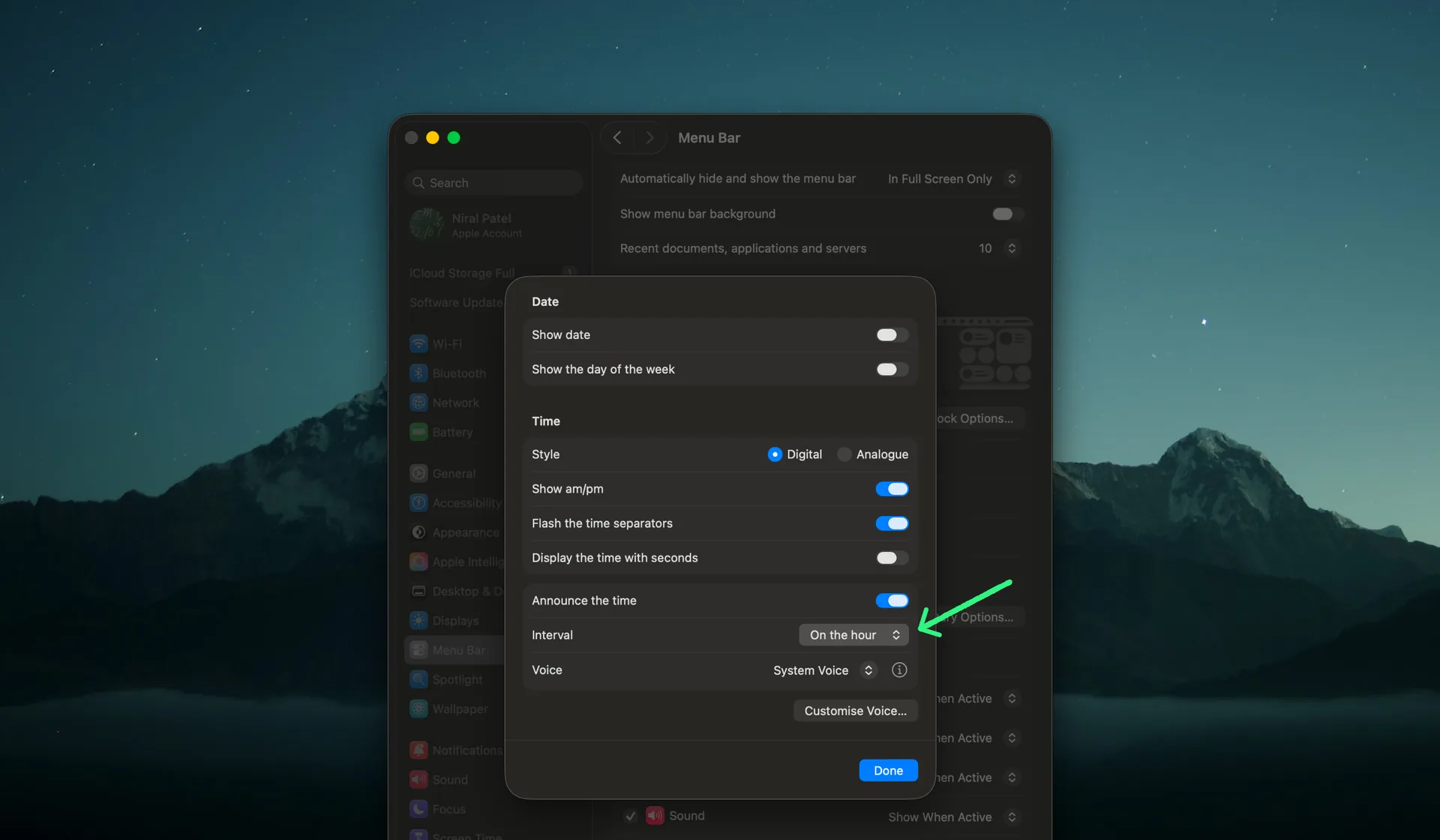
A) Hourly time announcements on my Mac
I've turned on "Announce time" on my Mac, so it speaks the time every hour.
It sounds like a tiny thing, but it keeps me painfully aware of how fast the day is moving. At first it was a bit distracting, but over time it became a gentle nudge.
B) Using a focus timer to break procrastination
I've noticed I procrastinate most when I haven't defined the next few steps clearly. The work feels big and foggy, so I avoid it.
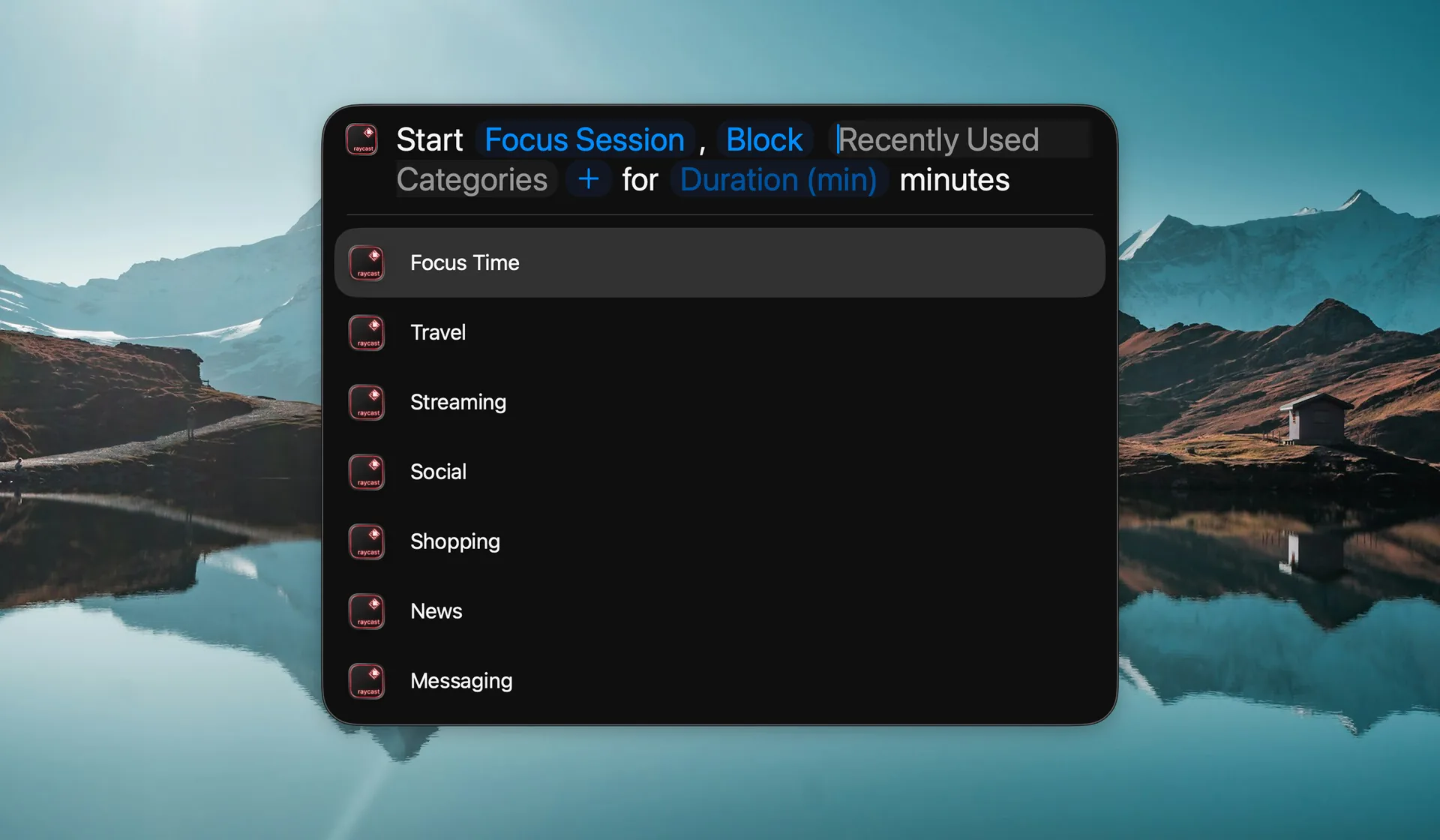
To fight that, I start a focus block and let clarity appear while working.
I use Raycast's "Start Focus Time" feature, and I've even made a quick shortcut for it: I just type SFS ("start focus session") in Spotlight and it kicks off a timer.
C) Using Craft to keep my tasks small and visible
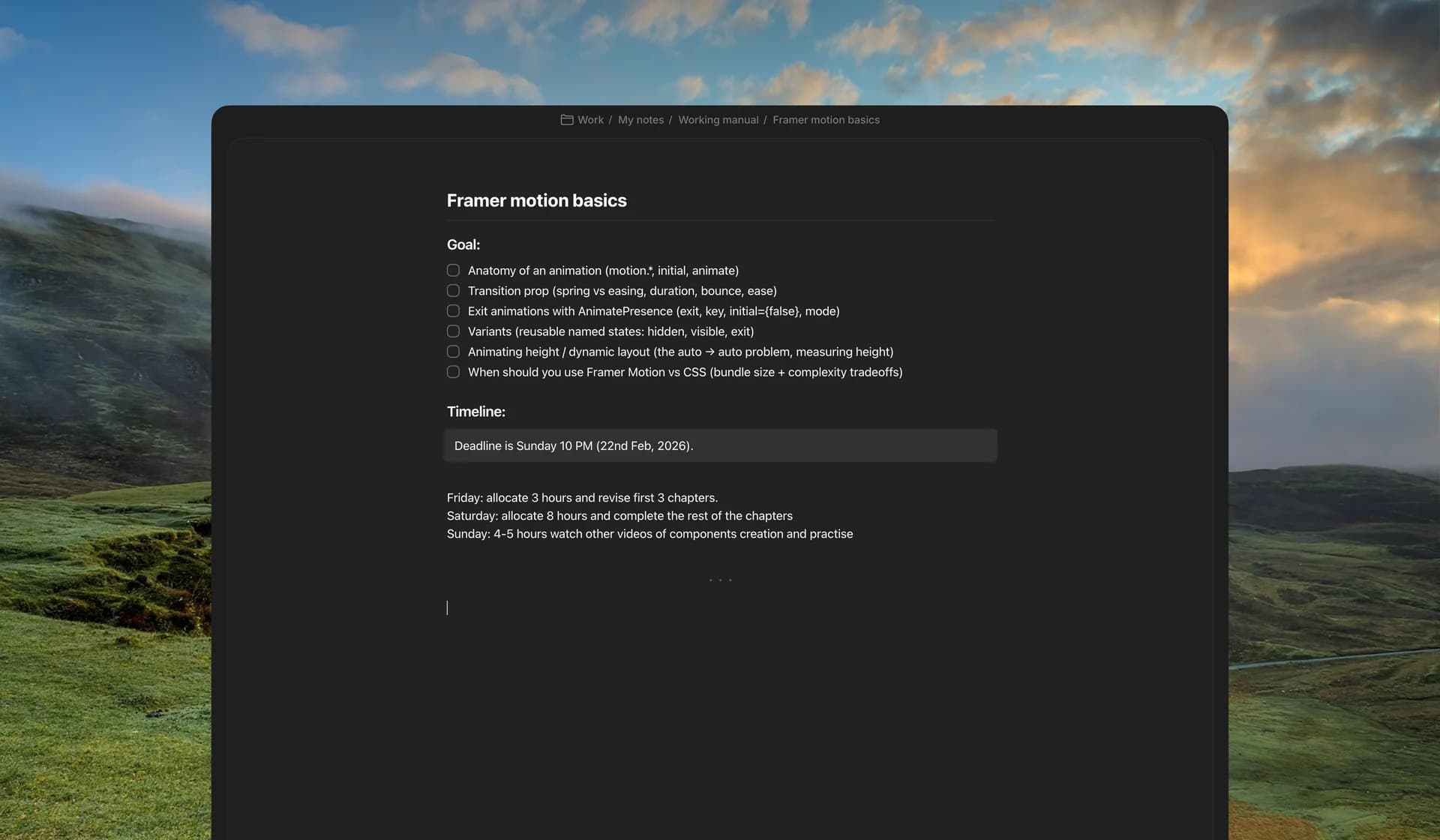
For day‑to‑day tasks and goals, I try to break things into smaller pieces and write them down in Craft. Once they’re there, I can assign rough time or priority to each one instead of keeping everything in my head.
I’ve also connected my Craft docs with Poke (AI assistant), which reminds me about upcoming deadlines and things I might be forgetting. It’s a simple setup, but it helps me stay honest about what I said I’d do.